Best Cybersecurity Tools 2026: Protect Your Writing & Content
Essential security tools for freelancers and writers. Protect client data, passwords, and sensitive content with the best VPNs, password managers, and encryption tools.
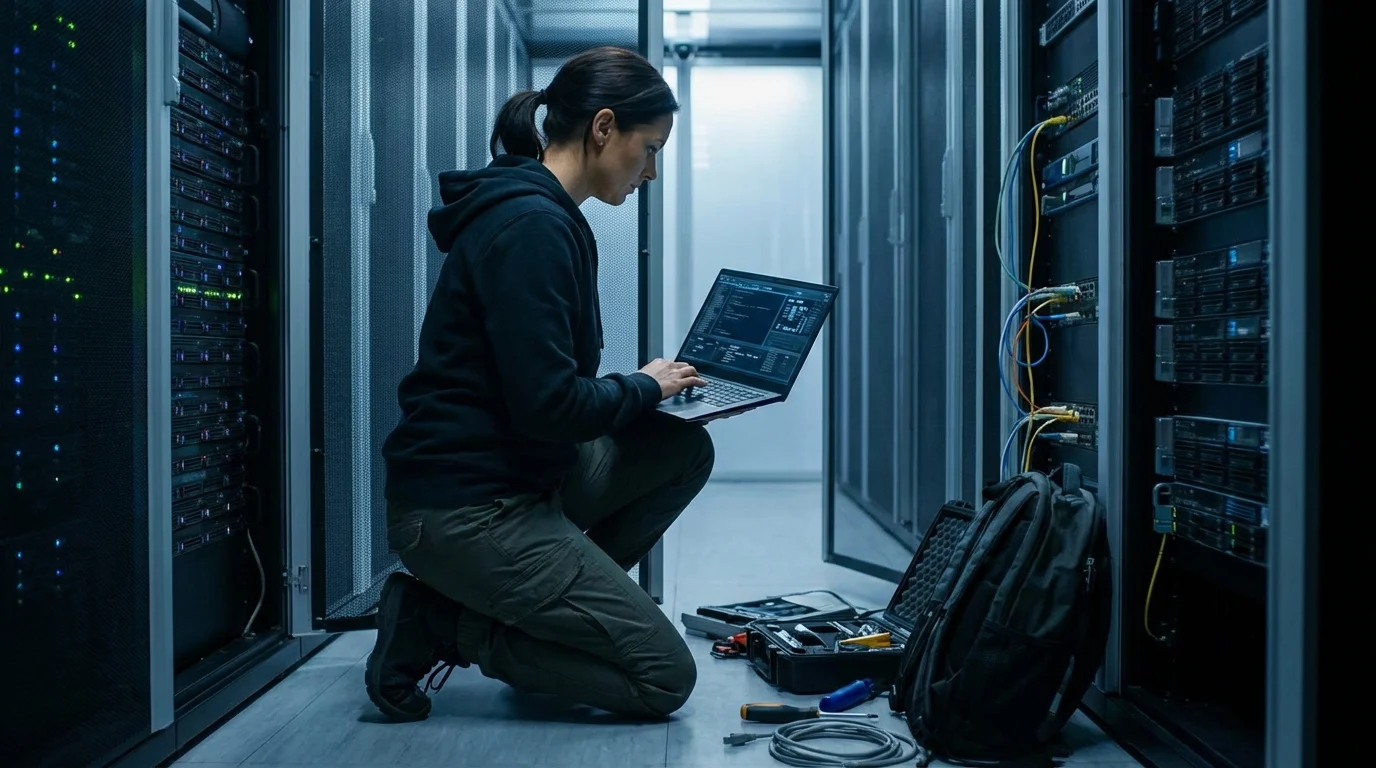
Why Cybersecurity Matters for Writers
Freelance writers and content creators handle some of the most sensitive information: unpublished manuscripts, client credentials, confidential briefs, and proprietary content. A data breach doesn't just cost money—it destroys client trust and can end careers. This guide covers essential tools that protect both your work and your clients' information without requiring deep technical knowledge.
We've tested these tools with freelance writers specifically in mind, focusing on ease of use, integration with writing workflows, and real-world protection for the threats you actually face.
Essential Cybersecurity Tools for Writers
1Password
Password Manager
Industry-leading password manager with secure sharing, passkeys support, and team management. Excellent for freelance teams handling client credentials.
Key Features:
- ✓ Passkeys support
- ✓ Secure sharing vaults
- ✓ Travel Mode
- ✓ Email masking (forwarding)
- ✓ Breach monitoring
- ✓ Account recovery
Best for: Freelance teams and agencies managing multiple client accounts
Bitwarden
Password Manager
Open-source password manager trusted by security professionals. Free version is excellent. Premium adds TOTP and file storage. Self-hosted option available.
Key Features:
- ✓ Open-source
- ✓ Free tier robust
- ✓ Self-hosted option
- ✓ TOTP support
- ✓ File attachments
- ✓ Breach monitoring
Best for: Individual freelancers and privacy-conscious writers on budget
Proton VPN
VPN Service
Swiss-based VPN with strong privacy (no-log, no ads). Integrates with Proton Mail and other Proton apps. Reliable for writers working from cafes and hotels.
Key Features:
- ✓ No-log policy
- ✓ Swiss jurisdiction
- ✓ Kill switch
- ✓ Secure core servers
- ✓ Split tunneling
- ✓ Streaming support
Best for: Writers valuing privacy and working from public WiFi networks
Sync.com
Encrypted Cloud Storage
Canada-based encrypted cloud storage designed for privacy. Zero-knowledge encryption—even Sync can't access your files. Perfect for sensitive manuscripts and client work.
Key Features:
- ✓ End-to-end encryption
- ✓ Zero-knowledge
- ✓ Versioning
- ✓ Remote wipe
- ✓ Time-limited shares
- ✓ Compliance features
Best for: Writers storing sensitive manuscripts and confidential client documents
Authy
2FA / Authentication
User-friendly authenticator app for two-factor authentication. Syncs across devices (optional). Backup codes saved encrypted. Essential for account security without friction.
Key Features:
- ✓ Multi-device sync
- ✓ Encrypted backups
- ✓ Biometric unlock
- ✓ Automatic fill
- ✓ Custom icons
- ✓ TOTP standard
Best for: All writers using 2FA for email, cloud, and platform accounts
Veracrypt
File Encryption
Open-source disk encryption tool creating encrypted volumes. Encrypt entire external drives or create hidden containers for ultra-sensitive work. No backdoors.
Key Features:
- ✓ Open-source
- ✓ Cross-platform
- ✓ Hidden volume option
- ✓ Portable version
- ✓ No install required
- ✓ Deniable encryption
Best for: Writers handling confidential content requiring offline encryption
Security Best Practices for Freelancers
Use Strong, Unique Passwords
Generate 20+ character passwords with password managers. Never reuse passwords across sites. Weak passwords cause 80% of freelancer account compromises.
Enable 2FA on Critical Accounts
Require 2FA on email (Gmail, Outlook), cloud storage (Google Drive, OneDrive), and client platforms. Use authenticator apps over SMS for stronger security.
Secure Your Work-from-Anywhere Setup
Use a VPN when working from cafes, libraries, and coworking spaces. Never work on sensitive client content over open WiFi without encryption.
Backup & Encrypt Sensitive Files
Use encrypted cloud storage for client documents and manuscripts. Maintain 3-2-1 backups: 3 copies, 2 media types, 1 offsite location.
Monitor for Breaches
Use breach monitoring (included in password managers). Change passwords immediately if your accounts appear in breaches. Set up alerts on compromised email accounts.
Pro Tip: The Security Checklist
Security feels overwhelming, but start with these five non-negotiable items:
- 1.Install a password manager today (1Password free trial or Bitwarden free)
- 2.Enable 2FA on your Gmail and Microsoft accounts this week
- 3.Install a VPN app before your next cafe work session
- 4.Set up encrypted backups of client files this month
- 5.Schedule quarterly security reviews (check breaches, update passwords)
FAQ: Cybersecurity for Writers
Why do writers need cybersecurity tools?+
Writers handle sensitive client data, unpublished manuscripts, and confidential information. Cybersecurity tools protect this content from theft and breach. A password manager prevents weak passwords compromising client accounts. A VPN secures work done in cafes and shared networks. Encryption tools protect sensitive files. For freelancers, data security directly impacts client trust and revenue.
What's the best password manager for freelancers?+
1Password and Bitwarden top the list. 1Password offers excellent client onboarding features and team management, ideal for agencies. Bitwarden is open-source and affordable for individual freelancers. Both support passkeys, offer browser extensions, and integrate with writing platforms. Choose based on team size and budget.
Do I need a VPN while writing?+
Yes, if you work from cafes, coworking spaces, or travel. Public WiFi is insecure—hackers can intercept passwords and sensitive data. A VPN encrypts all traffic, protecting your work and client data from eavesdropping. For home office work only, a VPN is less critical but still recommended for privacy. Essential for remote writers.
What's the difference between a VPN and encryption?+
A VPN encrypts your internet connection (transport layer)—protecting data in transit between you and websites. File encryption protects data at rest (when stored). For comprehensive security, use both: VPN for browsing and uploading, encryption for sensitive files on your device. VPN is immediate; file encryption requires deliberate action per file.
Is two-factor authentication (2FA) necessary?+
Yes. 2FA dramatically reduces account compromise risk even if passwords leak. Enable 2FA on email, cloud storage, and any platform storing client data. Use authenticator apps (Google Authenticator, Authy) over SMS when possible—SMS 2FA is better than nothing but susceptible to SIM swapping. For writers, 2FA on Google Workspace and Microsoft accounts is non-negotiable.
How do I protect my Google Docs and cloud files?+
Use strong passwords + 2FA on your Google/Microsoft account. Enable activity monitoring in Google Security settings. Use Google Vault if you need compliance-grade archiving. For extra security, encrypt sensitive documents before uploading to cloud storage. Never share edit links publicly—use view-only sharing and time-limited access when possible.
What's the best encrypted file storage for writers?+
Sync.com and Tresorit offer encrypted cloud storage with client file management features. Both support version history and shared access. Alternatively, encrypt files locally using Veracrypt, then sync to standard cloud storage. Use encrypted USB drives for offline backups. Test decryption before deletion to prevent data loss.
How can I secure my writing backup strategy?+
Follow the 3-2-1 rule: 3 copies of data, 2 different media types (cloud + external), 1 offsite copy. Use encrypted cloud storage (Sync.com) + encrypted external drive + password-protected archives. Test restores quarterly. For client work, maintain separate encrypted backups per client. Automate backups so they're not forgotten.
Should I use antivirus software?+
Yes. Windows users should use Windows Defender (built-in) or Bitdefender. Mac users can use Malwarebytes for supplemental protection (macOS has Gatekeeper). Don't rely on antivirus alone—phishing and weak passwords cause most breaches. Combine antivirus with 2FA, strong passwords, and cautious browsing. Writers are targeted for ransomware affecting manuscripts and client work.
What's a password manager's weakness?+
A password manager's security depends entirely on your master password. If compromised, all passwords leak. Use a 20+ character master password (random, not dictionary-based). Never write it down or share it. Enable biometric unlock on your device. For shared team accounts, use team password management features rather than sharing passwords via email or chat.
Protect Your Writing Today
Don't let a data breach end your freelance career. Start with one tool this week—your future self will thank you.
Back to Text Word CounterSecurity essentials
Why Privacy Matters: How Local Browser Processing Keeps Your Writing Safe
Discover how local browser processing protects your writing privacy and keeps sensitive content secure.
10 min read
The Perfect Partnership: How to Fuse AI & Human Creativity for Unstoppable Content
Master the art of combining AI-powered tools with human creativity to produce better, faster, and more strategic content.
7 min read
The Unfair Solopreneur: Compete With Companies 100x Your Size Using AI
You are not the underdog. Learn the 5 structural moats—Speed, Trust, Focus, Intimacy, and Firepower—that enterprise giants cannot copy, backed by Gallup and Census research.
25 min read
The Year You Arrived: 1957 — Real Prices, Historic Headlines & Everyday Life (70th Birthday Guide)
Discover what a quart of milk really cost at the store vs milkman, why eggs swung 45% in 4 months, Elvis on CBS, the Little Rock Nine, and 70th birthday speech math.
24 min read
The Year You Retire: Critical Dates, Rules & Benefits for Women (2026 Guide)
The day you retire, a set of deadlines starts running. Master the 8-month Medicare Part B window, widow survivor FRA tables, the earnings test myth, and Form SSA-44.
22 min read